

UserLoop's Slack integration sends you a notification whenever a customer responds to your survey, right in the Slack channel of your choice.
Connecting to Slack
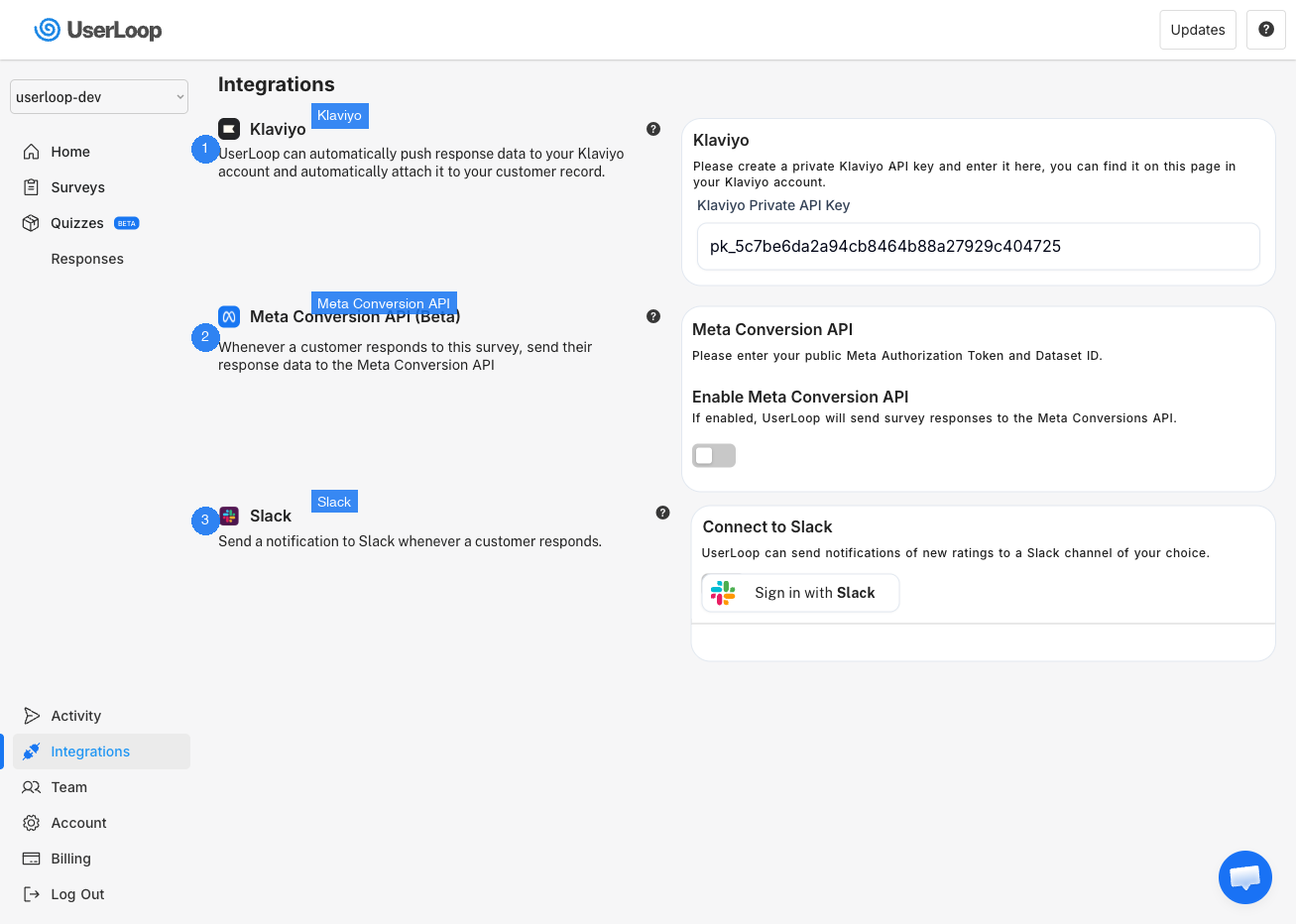
1. Click Integrations in the left menu.
2. Find the Slack section and click the Sign in with Slack button.
3. You'll be taken to Slack to authorize the connection, then returned to UserLoop.
Setting Your Slack Channel
After authorizing, select which Slack channel you'd like response notifications sent to.
Disabling Slack
To turn off Slack notifications, use the toggle in the Slack integration settings. You can also uninstall the UserLoop app from your Slack workspace settings.
Need Help?
If you have any questions about the Slack integration, reach out to us via live chat and we'll be happy to help.